Monadic DNA Explorer adds Healthspan reports, a Research mode for DNA Chat, and deeper ways to explore your results
Explorer now includes a Healthspan Report, a Research mode for genetic chat, effect-size highlights and random discovery in Explore, three other new report types, larger file uploads, and evidence labels on every result, all still processed entirely on your device.
Since we introduced Monadic DNA Explorer Premium, the app has gone through two major rebuilds and a long stretch of usability work. The core promise hasn’t moved, and your genetic data still stays on your device. What has changed is how you get to your insights and how deep those insights can go.
The Healthspan Report organizes your results by domain
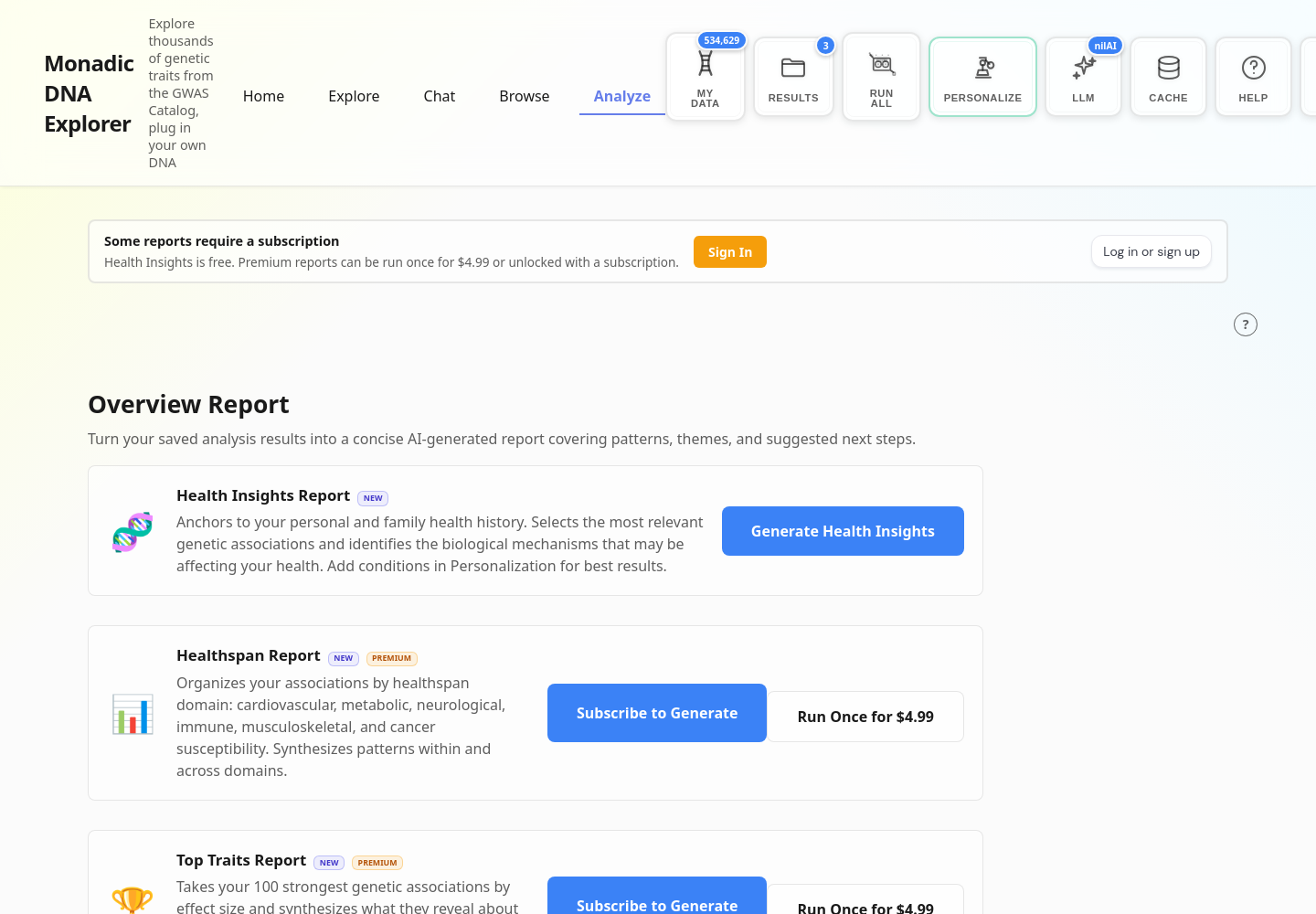
The most significant new report is the Healthspan Report. It organizes your genetic associations by the systems that drive long-term health, including cardiovascular, metabolic, neurological, immune, musculoskeletal, and cancer susceptibility. Rather than presenting a flat list of findings, it synthesizes the patterns within each domain and across them, so you can see, for example, whether several metabolic signals are reinforcing each other or whether a single cardiovascular finding is an outlier against an otherwise clean profile.

Research mode in Chat
Ask Chat a real question after revealing a few matches, and it answers using the actual genotypes and rsids behind your results rather than a generic explanation of the trait.
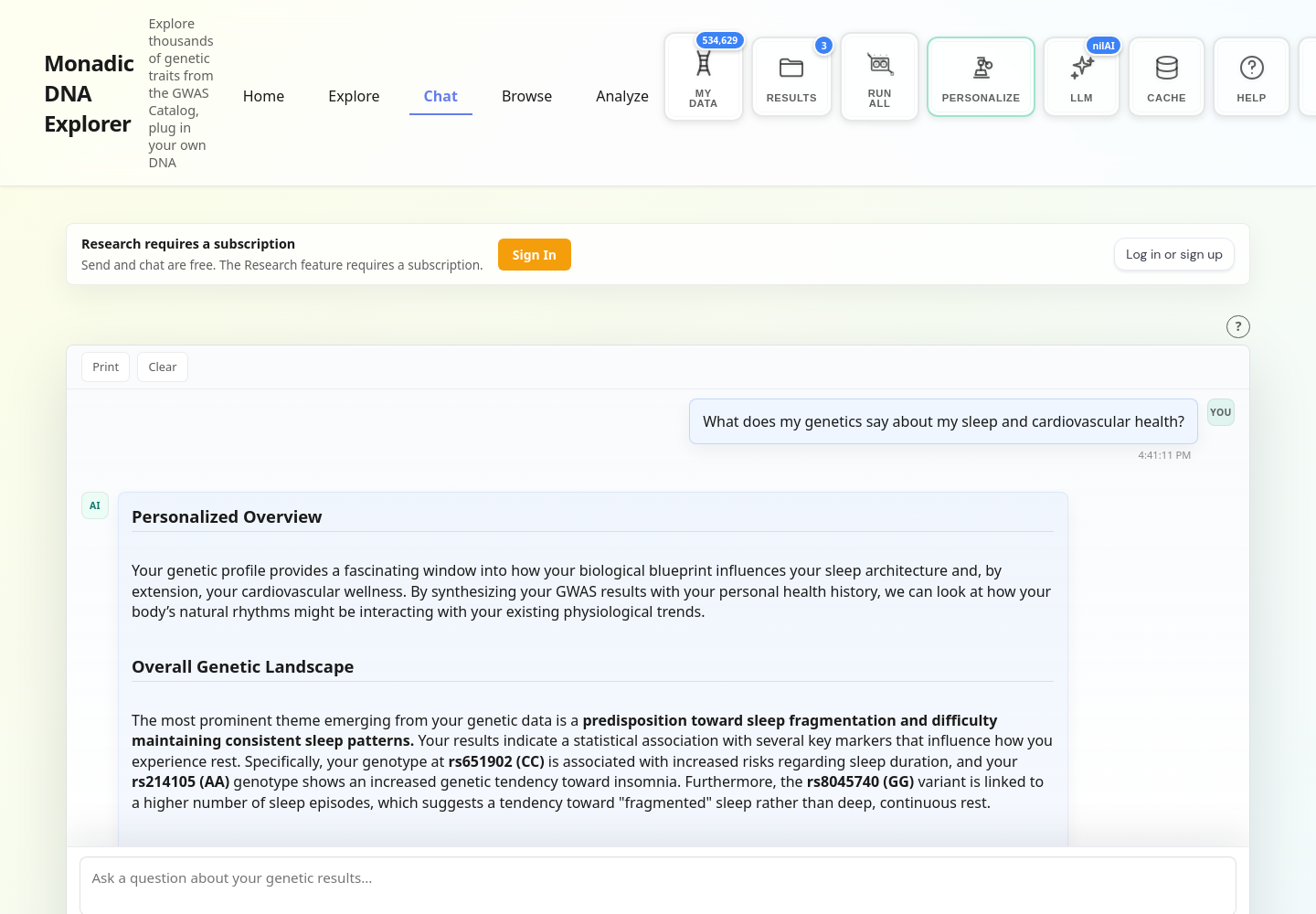
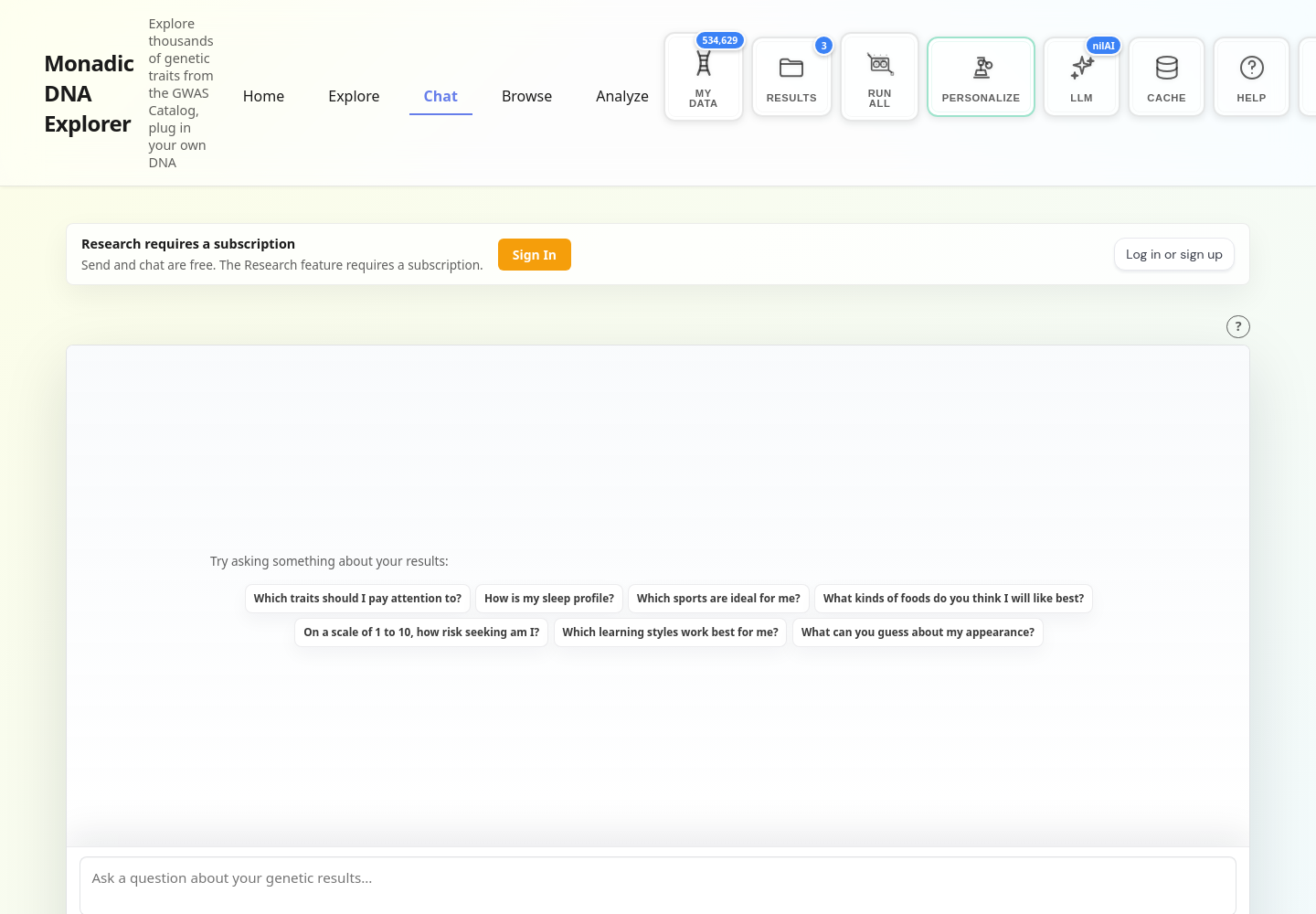
Chat’s biggest upgrade is a new Research mode on top of this. Instead of answering from a single pass over your saved results, Research splits your question into up to ten distinct angles, searches your results for each one separately, and combines the findings into a single answer. Asking what your genetics say about your metabolism now pulls in angles like insulin sensitivity, fat storage, and appetite regulation independently, rather than relying on one broad search to catch everything. Sending messages and regular chat remain free, while Research is a Premium feature.
Your strongest signals, surfaced automatically
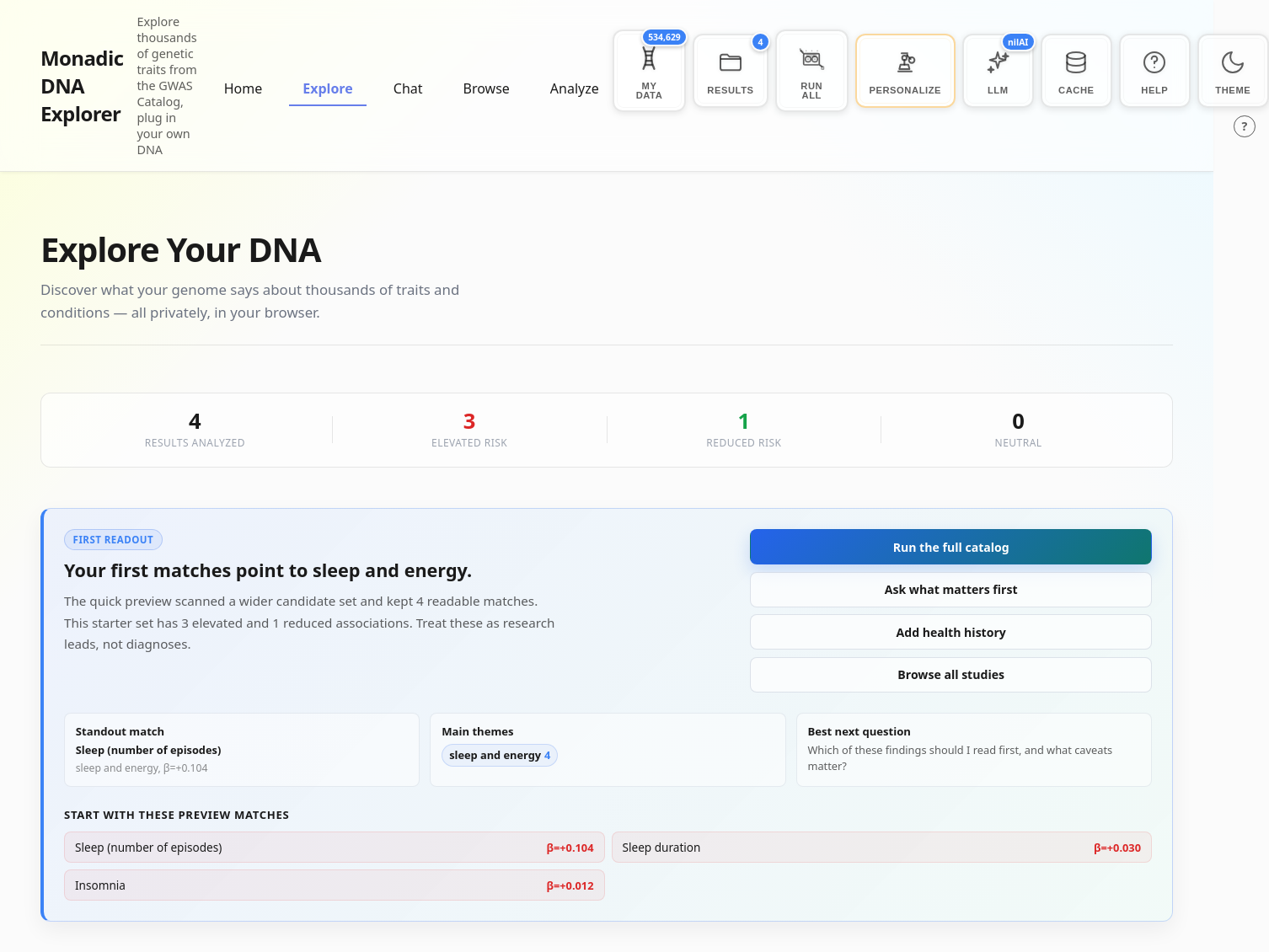
The new Explore page pulls out your standout match and your largest effect sizes as soon as you have any results loaded, sorted so the strongest associations, elevated or protective, are the first thing you see rather than something you have to dig through a full table to find. Once you’ve run a broader analysis, this expands into dedicated lists of your largest elevated effect sizes and largest protective effect sizes, each linking straight to its study page.
Discover a random result
Explore also gives you a simple way to browse your results one at a time, through a “Discover a random result” card that jumps you to a different genetic association from your analyzed results with every click. It’s a deliberately low-friction way to stumble onto something you wouldn’t have thought to search for.

A real app, not a single page
Explorer started as a single page trying to do everything. It’s now a proper multi-page app, with dedicated routes for browsing traits, discovering studies, chatting about your genome, and generating reports. This made the app faster to load, easier to link into and share, and much friendlier to search engines, so people looking for a specific trait or study can land directly on the page they need.
The onboarding flow got the same treatment. It’s shorter, and “Try with Sample Data” is now front and center, so you can see what Explorer does before uploading anything of your own. The app is also fully responsive now, so browsing your results on a phone works the way you’d expect.
As part of this rebuild, the page where you search and filter the GWAS Catalog was renamed to Browse, the old DNA Chat is now just Chat, and the old Overview Report tab is now Analyze, home to all of Explorer’s report generation tools.
See your match as soon as you ask for it
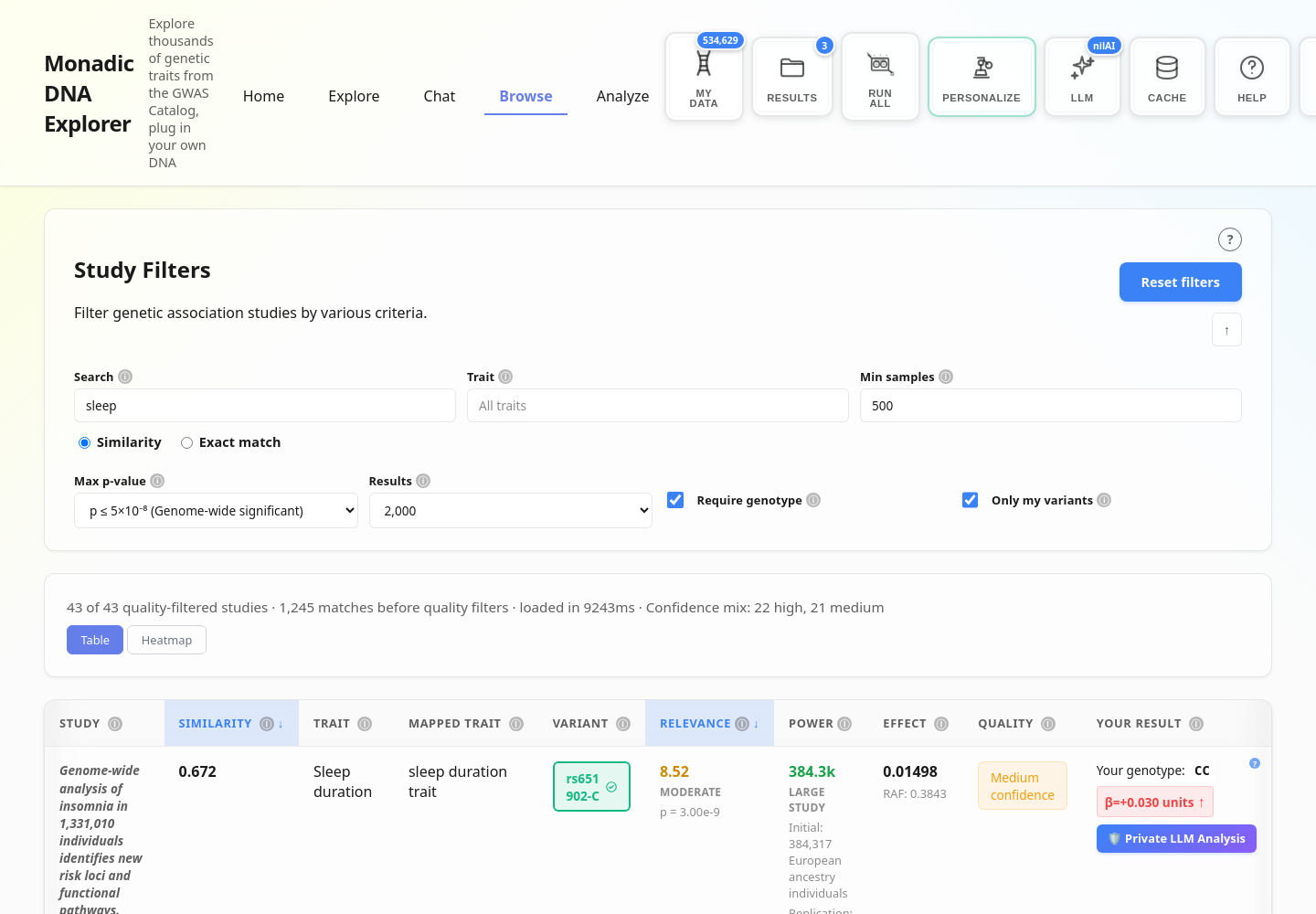
Every study in Browse can now show you your genotype, the effect size, and a confidence rating as soon as you click to reveal your match.
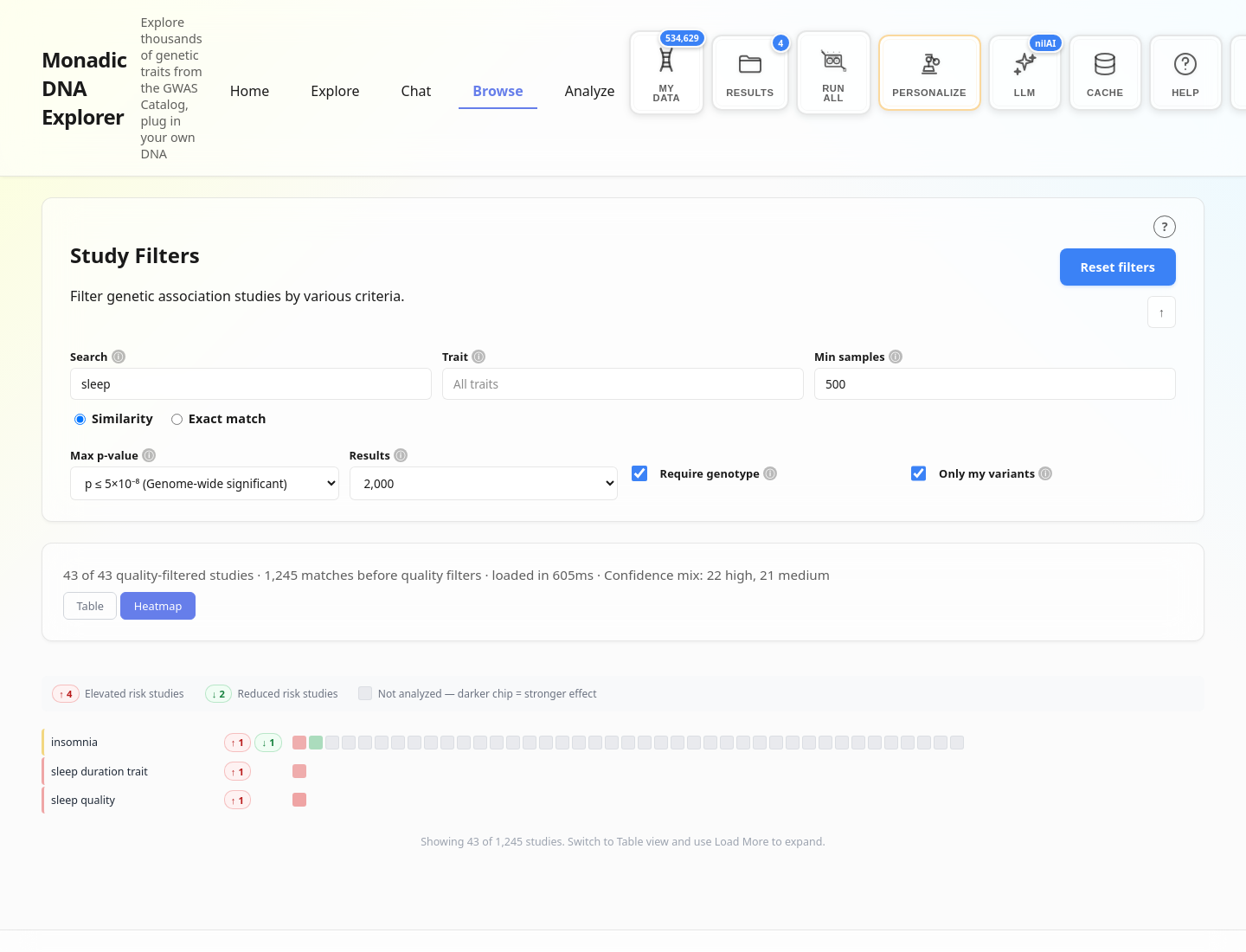
Browse also has a Heatmap view alongside the table, laying out hundreds of studies for a given trait as a grid of chips. Studies you have a genotype match for are colored by whether they raise or lower your risk. Studies you don’t have data for are shaded grey, with darker chips marking a stronger effect size.
Three more reports, and a way to try them without subscribing
Alongside the Healthspan Report, the Analyze tab now offers a few other report types.
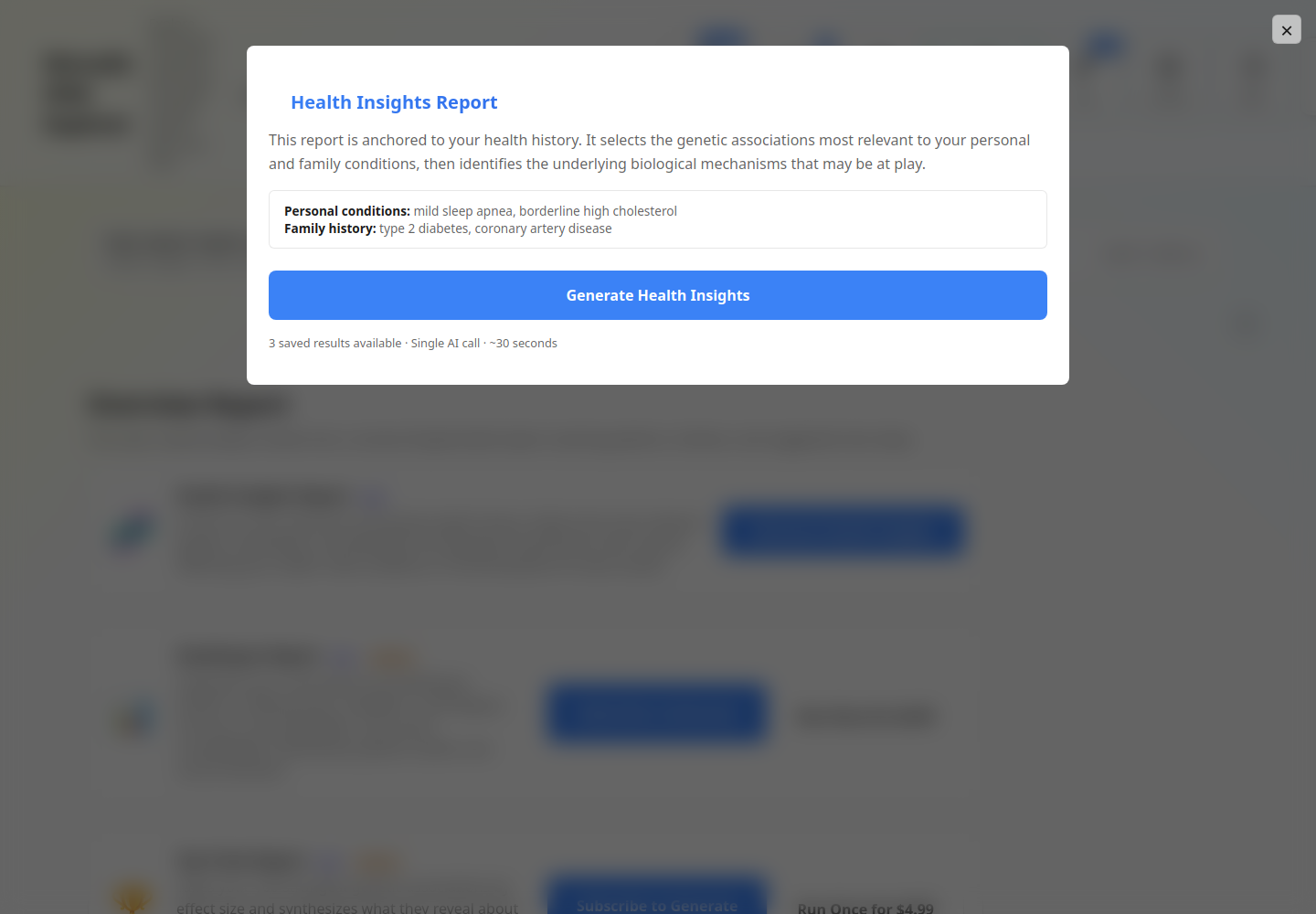
Health Insights Report is free for everyone. It anchors to the health history you’ve added in Personalization and picks out the genetic associations and biological mechanisms most relevant to it.
Top Traits Report takes your hundred strongest associations by effect size and builds a narrative around them. It’s a good starting point if you haven’t added health history yet.
The original Comprehensive Overview Report is still available, now labeled experimental, for a broader synthesis across health, lifestyle, appearance, and personality traits.
All three new reports (Healthspan, Top Traits, and Comprehensive Overview) are Premium features, but a subscription is no longer required to try one. Each can be run once for $4.99. We removed the seven-day free trial in favor of this pay-per-report option, since trying a single report once turned out to be what most people actually wanted.
Bigger files, more providers
Explorer’s genotype parser was rebuilt to handle much larger files. Upload limits are now 100MB for raw text files, 150MB for gzip-compressed files, and up to 250MB once decompressed. We also added support for Mapmygenome exports alongside 23andMe, AncestryDNA, and the other providers Explorer already supported.
Confidence at a glance
Every result in Explorer now carries an evidence label of Stronger, Moderate, or Limited, based on the study’s p-value, sample size, and whether the finding was replicated. Expanding a result shows the details behind the label, including a reminder that odds ratios describe relative risk rather than absolute risk, and that all of this is educational interpretation rather than diagnosis.
A guide for people without a DNA file yet
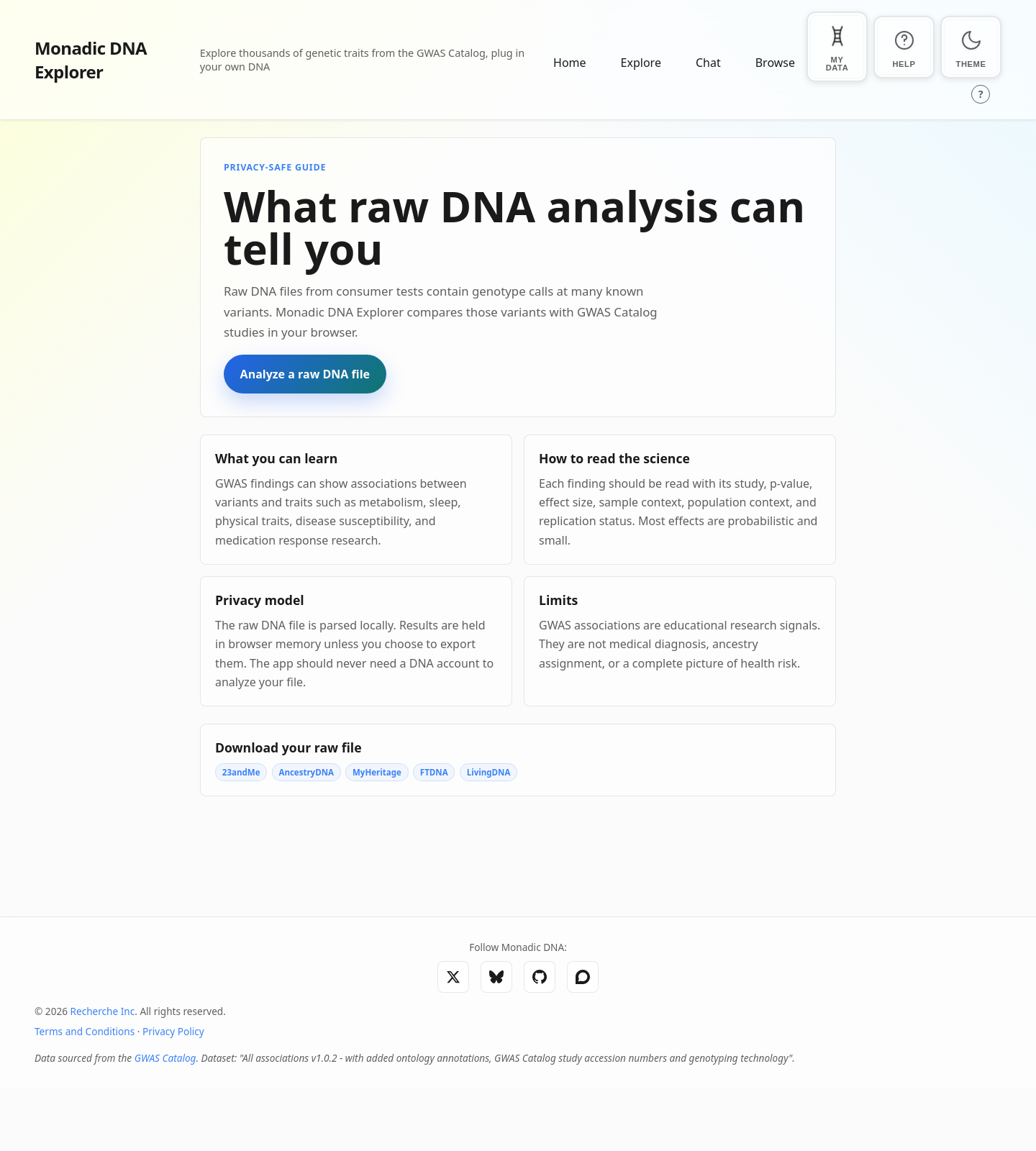
For people who land on Explorer without a genotype file in hand, we added a guide to raw DNA analysis explaining what a raw DNA file is, what GWAS associations can and can’t tell you, and how to read the science behind a study before trusting it.
Still private, still open
None of this changes how Explorer handles your data. Genotype processing, result generation, and report synthesis all happen locally in your browser, and the only thing that ever leaves your device is the compact text needed to answer a specific question. Everything here continues to be developed openly at github.com/Monadic-DNA/Explorer, and we welcome feedback and contributions.
Visit explorer.monadicdna.com to see what’s new.
Thank you for supporting privacy-first genomic research and education.